Yacht Marine Electronics Upgrade: Chartplotter, Radar and Autopilot Planning
Plan a marine electronics refit around compatibility, interfaces, installation scope and sea trials before replacing equipment at the helm.
Research checked: October 15, 2026
Plan a marine electronics refit around compatibility, interfaces, installation scope and sea trials before replacing equipment at the helm. This guide focuses on practical decisions, vessel-specific checks and the questions to resolve before spending money or changing an onboard system. Use the manufacturer’s current manual and a qualified marine professional for installation and safety-critical work.
Start with a system map, not a shopping list
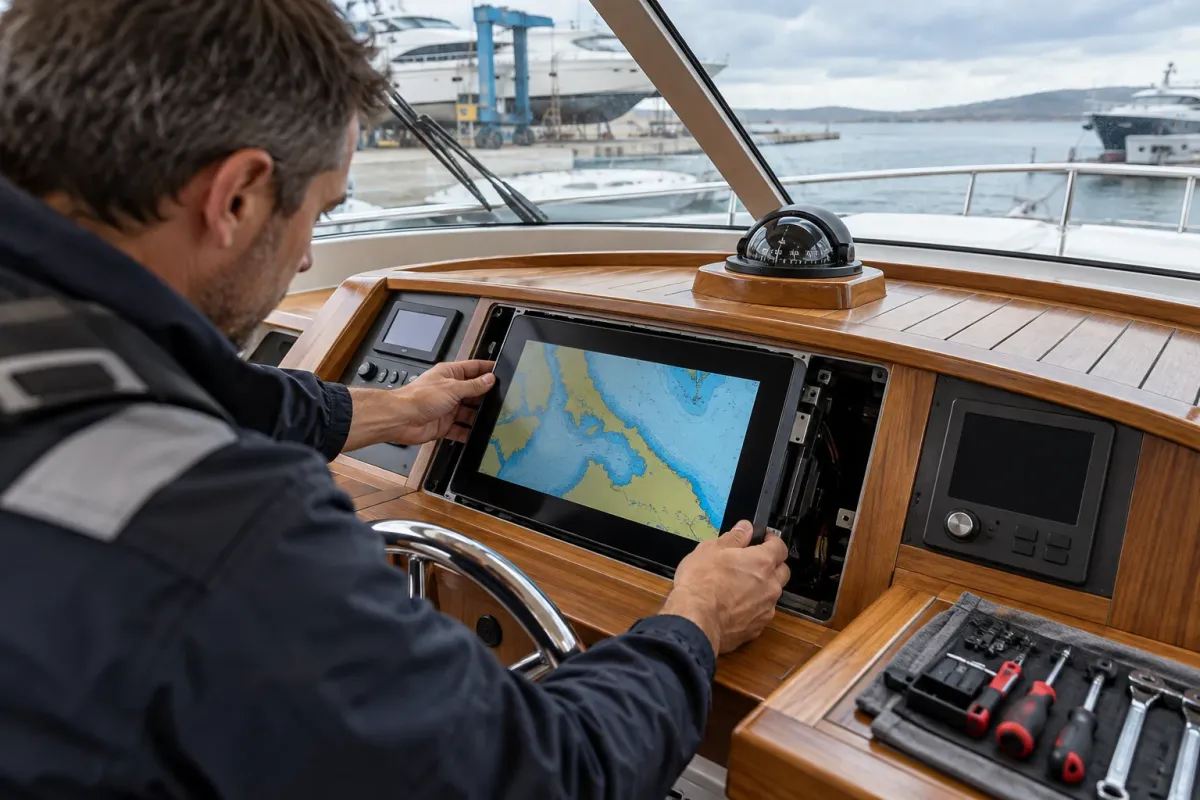
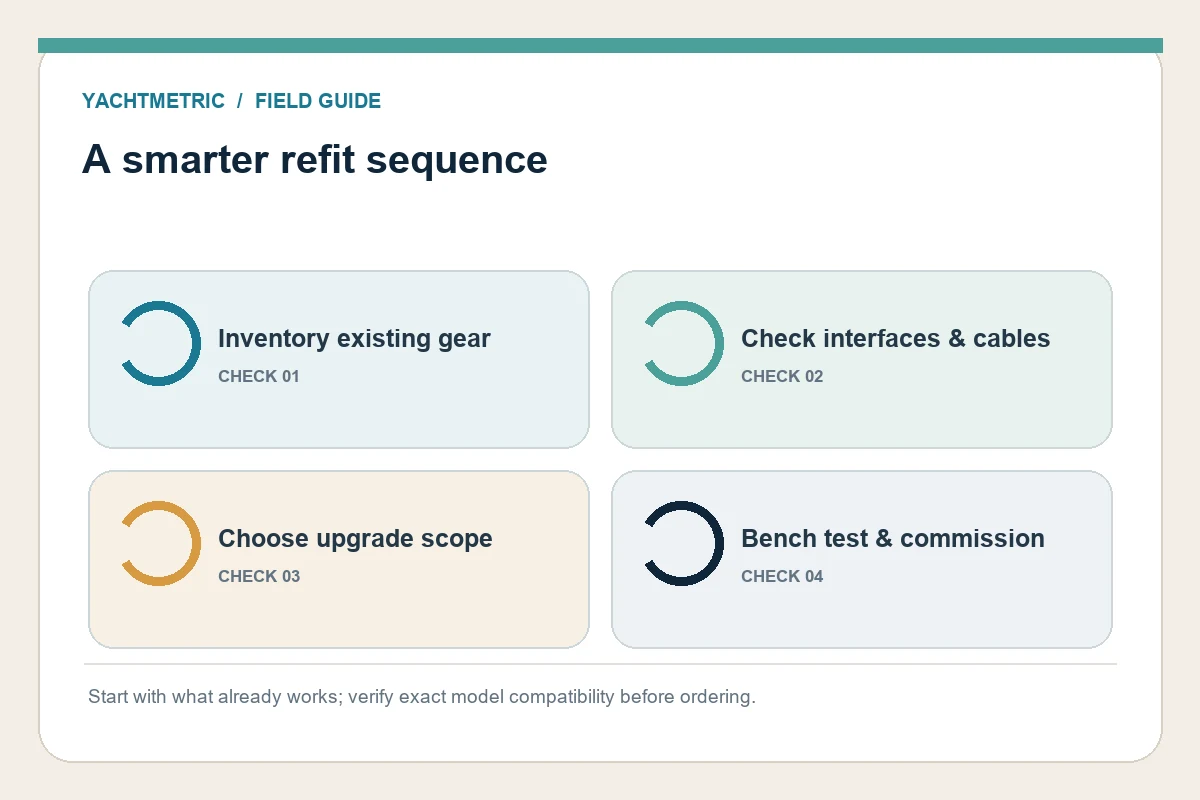
A chartplotter, radar, autopilot and instrument display work as a system. Replacing one screen can be straightforward, yet a refit becomes complicated when connectors, network protocols, software generations or sensor data do not match. Photograph the helm, label visible cables and record the make, model and serial number of every component before requesting quotes.
Draw a simple connection map: displays, radar scanner, GPS source, depth and wind sensors, autopilot control head and drive, VHF/AIS, cameras and network switches. Mark which items are reliable, which are obsolete and which data must appear on each screen. This keeps a small display upgrade from becoming an unplanned replacement of the whole navigation stack.
Check compatibility component by component
Ask the manufacturer or an experienced marine electronics installer to confirm compatibility for the exact model numbers and software versions. A product family name is not enough. Verify power requirements, network connectors, supported data, chart format, antenna or transducer reuse, mounting cut-out and whether an adapter is needed. Keep written answers with the refit plan.
Some refits can retain serviceable components. Raymarine’s upgrade guide, for example, explains that certain digital radar scanners, autopilot drives and transducers may be reused with newer displays or systems when the specific combination is supported. That is a manufacturer-specific example, not a universal compatibility promise. Start from the installed hardware and confirm every interface against current manuals.
Choose a sensible scope
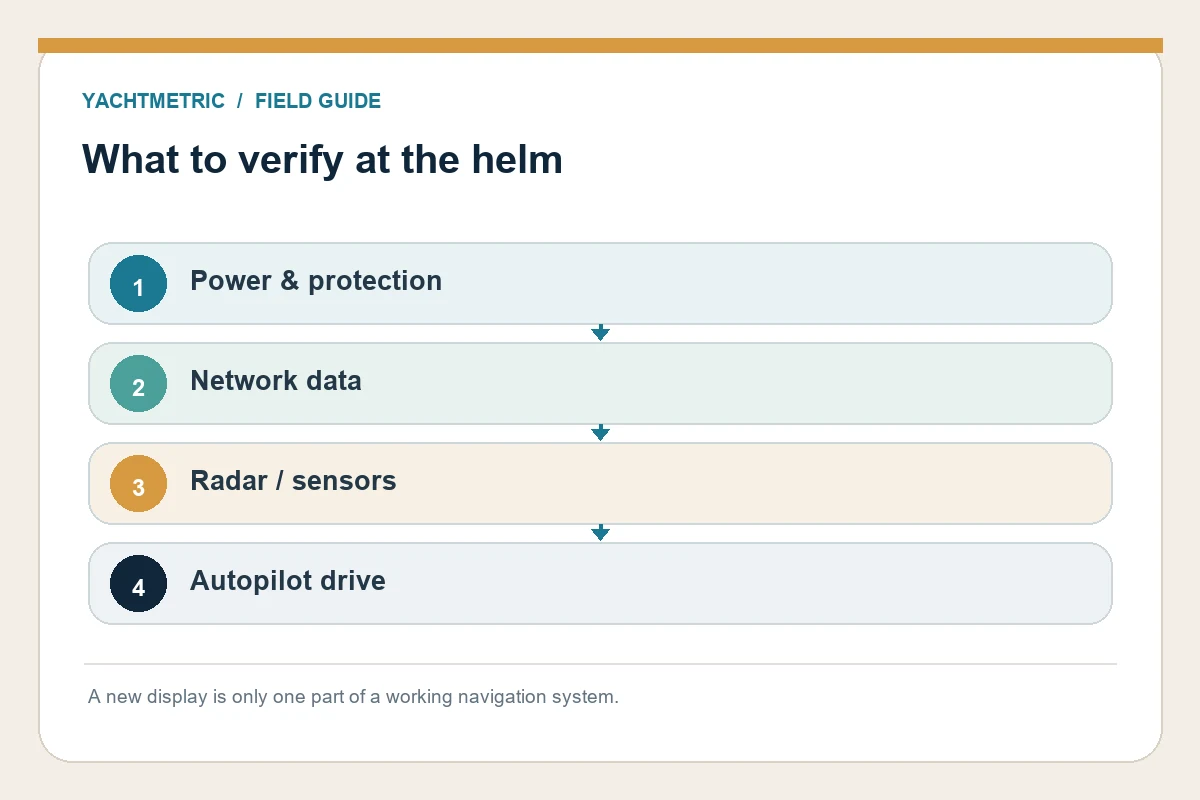
There are three useful scopes. A display refresh replaces a screen while retaining compatible sensors and network wiring. A subsystem upgrade replaces one connected group, such as radar and its display. A full helm refit changes displays, sensors, wiring and controls together. The right choice depends on reliability, support availability, desired capability and the cost of opening panels and rerouting cables.
Compare complete installed quotations rather than screen prices. Ask each bidder to identify hardware, adapters, cable runs, panel work, software setup, haul-out or access requirements, commissioning, sea-trial time and warranty. Include a contingency for hidden corrosion, undocumented splices or a legacy component that fails testing. A phased refit can spread cash flow, but only if the intermediate system remains safe and supported.
Plan the installation and commissioning
Before work begins, agree on the vessel’s downtime window, access to the helm and machinery spaces, and the state in which the boat will be returned. Save existing settings, routes and configuration files where the maker permits. Confirm chart subscriptions and backups separately; new hardware does not automatically transfer every digital entitlement.
Commission each function at the dock and then on the water. Check sensor sources, heading alignment, radar overlay, chart datum and display brightness. Test autopilot response at low speed in safe open water, following the equipment manual and the vessel’s operating procedures. Verify alarms, communications and fallback navigation tools. Record the final network map, software versions and calibration values for the next owner or technician.
Avoid common upgrade traps
A bright new screen cannot correct a poor antenna location, a failing sensor or a weak power supply. Do not assume an old cable is reusable because the plug fits; condition, shielding and supported data rates matter. Likewise, do not let a convenient panel cut-out dictate display choice if visibility, reach or glare will be worse underway.
Keep independent navigation and communication options available during installation and testing. If the refit changes autopilot steering, radar or other safety-related equipment, have the work scoped and checked by a qualified installer. Raymarine’s refit guidance recommends checking legacy compatibility and integration rather than treating an upgrade as a one-for-one screen swap.
Practical next step
Before acting, identify the exact yacht, installed equipment and operating area. Gather its manuals, service records and a few clear installation photos, then ask a qualified supplier or technician to confirm the details that apply to that vessel. Keep the answer and any test results with the yacht’s maintenance records.